5 Best Free Posteriza Alternatives in 2026 (Online & Offline)
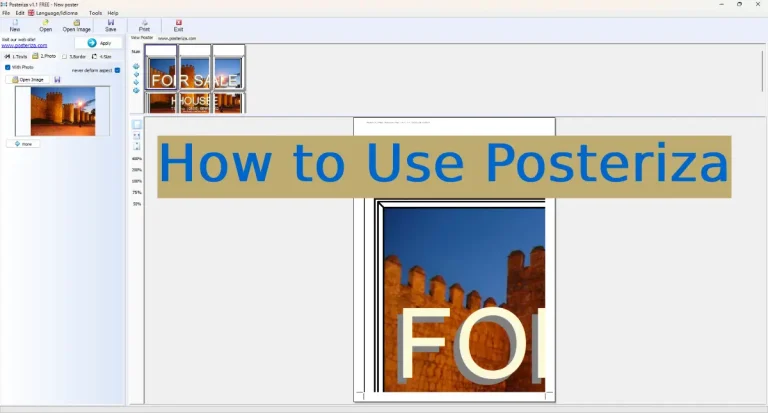
Let’s be honest: Posteriza is a legend. For nearly two decades, it has been the go-to tool for printing giant wall murals on A4 paper.
However, the interface hasn’t been updated since 2005. It looks outdated, lacks modern design templates, and can be glitchy on 4K monitors. If you are looking for something more modern, web-based, or feature-rich, you are in the right place.
🏆 Quick Summary: Top Picks
In a hurry? Here are the best tools based on your needs:
- Best Overall (Design + Print): Canva Pro (Try Free) – Modern, easy, and huge template library.
- Best for Halftone Art: The Rasterbator – The classic “dots” style wall art generator.
- Best Desktop Software: Easy Poster Printer – Similar to Posteriza but slightly newer interface.
- Simplest Online Tool: Block Posters
- Best for Adobe Users: Adobe Express
Below, we review these tools in detail, comparing their features, ease of use, and print quality against Posteriza.
Canva (Online)
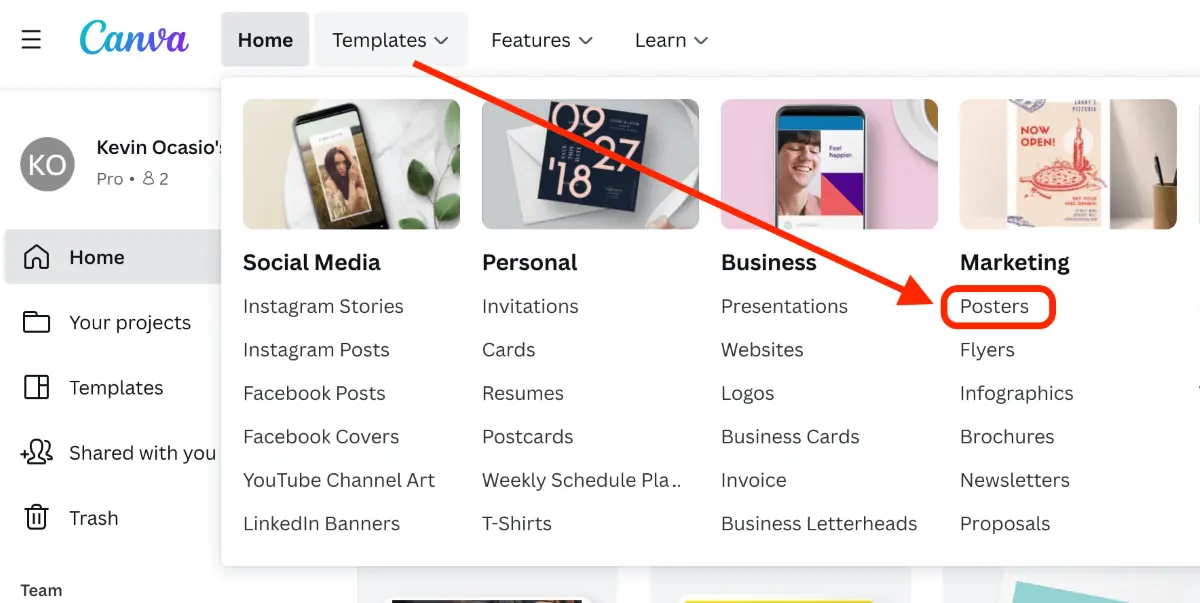
If you find Posteriza’s interface too “Windows 98,” Canva is the breath of fresh air you need. It is a cloud-based design tool that doesn’t require any installation.
While Posteriza is strictly for slicing images, Canva is for designing them. It comes with thousands of pre-made poster templates, fonts, and stock photos. You can design your poster in Canva, download it as a high-quality PDF, and then print it.
👍 Pros
- No software to install (Web-based).
- Thousands of free templates.
- Modern drag-and-drop interface.
- High-quality PDF Print export.
👎 Cons
- Requires internet connection.
- Doesn’t auto-slice images (needs Adobe Reader to slice printing).
Verdict: Best for designing professional posters from scratch.
Try Canva for Free →Free forever plan available.
The Rasterbator (Online)
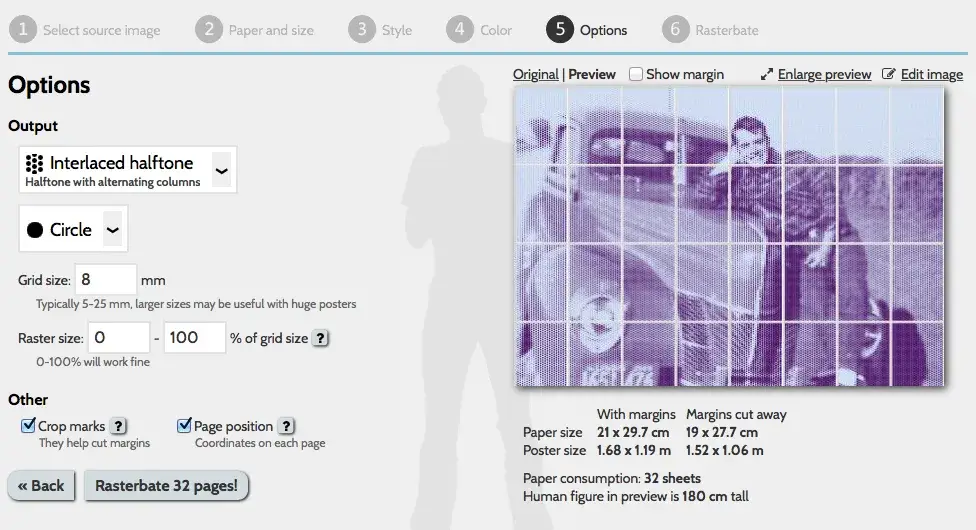
If you have ever seen a giant wall mural made up of thousands of tiny dots, it was likely made with The Rasterbator. This is the most famous web-based alternative to Posteriza.
Unlike Posteriza, which tries to keep the photo sharp, Rasterbator intentionally converts your image into a “halftone” dot pattern. This looks artistic up close and photographic from a distance—perfect for low-resolution source images.
👍 Pros
- Great for low-res photos.
- Very artistic “pop art” look.
- 100% Online, no download.
- Supports huge output sizes (up to 20m).
👎 Cons
- Not good for sharp, clear photos.
- Process can be slow on weekends.
Verdict: Best for artistic murals using small source images.
Visit Rasterbator.net →Easy Poster Printer (Windows)
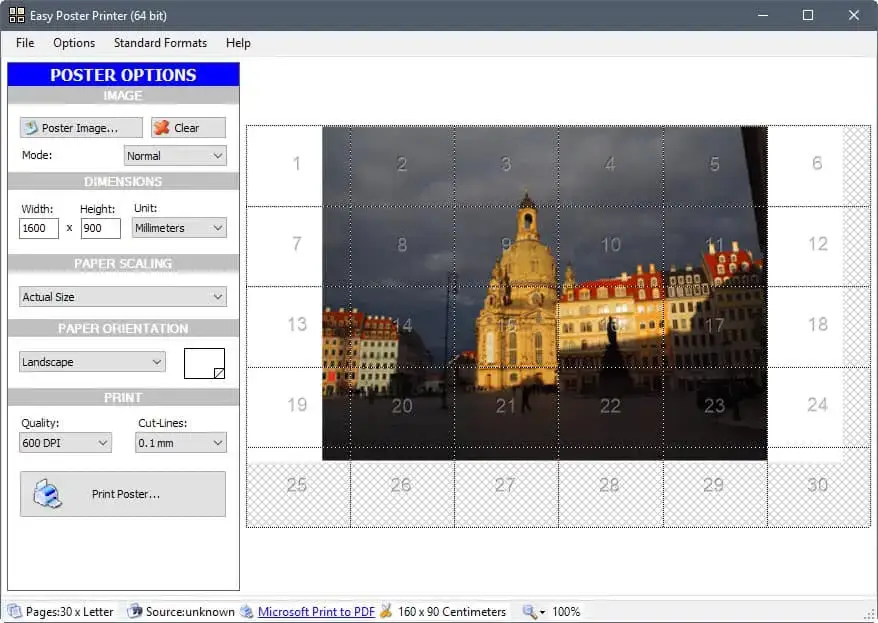
If you prefer installed software over web tools but find Posteriza too old-fashioned, Easy Poster Printer is the spiritual successor. It offers a very similar “drag, drop, and slice” workflow but with a slightly more modern Windows interface.
👍 Pros
- Real-time zoom preview.
- Better Windows 10/11 compatibility.
- Offers “Copy to Clipboard” for fast printing.
👎 Cons
- Contains in-app ads (Free version).
- Heavier install than Posteriza.
Verdict: A solid offline alternative if Posteriza doesn’t work on your PC.
Block Posters (Online)
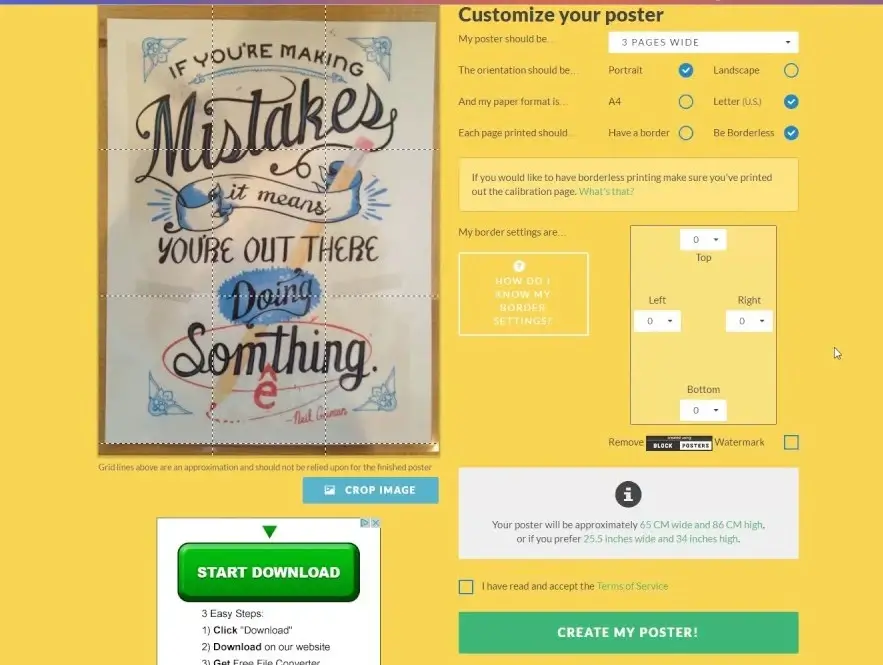
Block Posters is arguably the most direct competitor to Posteriza’s functionality, but it lives entirely in your web browser. It is famous for its 3-step simplicity: Upload, Slice, Download.
If you don’t care about adding text or fancy borders and just want to split an image quickly, this is the tool to use.
- Pros: Extremely fast; no registration required; works on mobile phones.
- Cons: The free version adds a watermark to your poster; max file size limit (5MB).
Adobe Express (Online)
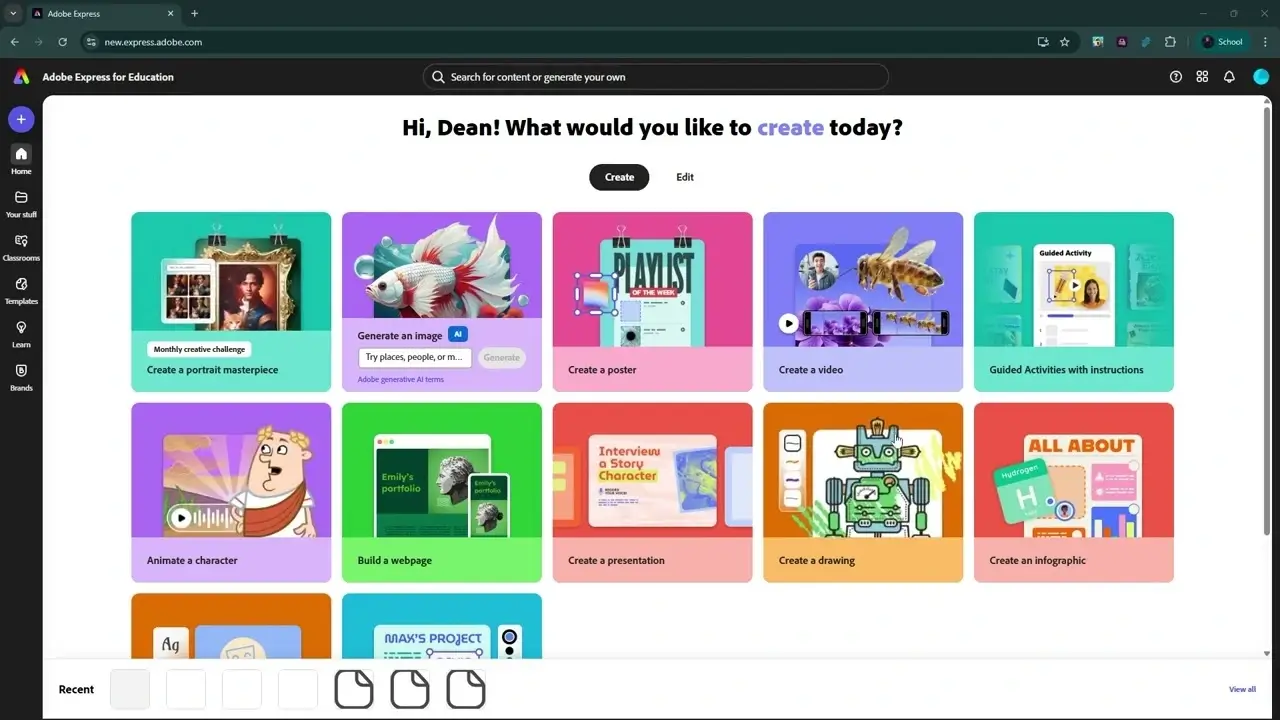
Formerly known as Adobe Spark, Adobe Express is Adobe’s answer to Canva. If you already have an Adobe account or prefer professional-grade typography, this is a strong contender.
Like Canva, it is primarily a design tool. You use it to create the artwork, download it as a PDF, and then print it using your system’s poster printing settings (or use Adobe Reader’s “Tile” print option).
- Pros: Access to Adobe Fonts; integrates with Photoshop libraries; excellent AI features.
- Cons: Can feel overwhelming for beginners; some best assets are behind a paywall.
Summary: Which Tool Should You Choose?
| Feature | Posteriza | Canva (Winner) | Rasterbator |
|---|---|---|---|
| Type | Desktop Software | Online Design Suite | Online Generator |
| Best For | Splitting existing photos | Designing posters from scratch | Artistic “dot” murals |
| Ease of Use | ⭐⭐⭐ | ⭐⭐⭐⭐⭐ | ⭐⭐⭐⭐ |
| Cost | Free | Free / Pro | Free |
Ready to Start Printing?
Choose your path to create amazing wall art today.