What Image Resolution Do You Need for a Large Poster? (2026)
Short Answer: It Depends on Viewing Distance
A poster viewed from across the room needs far less resolution than one examined up close. The rule of thumb:
| Viewing distance | Recommended DPI | Example |
|---|---|---|
| Close-up (under 1 m) | 150–300 DPI | Desk poster, classroom aid |
| Room wall (1–3 m) | 100–150 DPI | Living-room mural, party backdrop |
| Across the room / outdoors (3 m+) | 72–100 DPI | Shop banner, church banner |
Most home-printed tiled posters are viewed from 1–3 meters away, so 100–150 DPI is the sweet spot. Chasing 300 DPI on a 2-meter poster is unnecessary — and it makes your image files enormous.
Pixels Needed for Common Poster Sizes
Formula: pixels = size in inches × DPI.
| Poster size | At 100 DPI | At 150 DPI | At 300 DPI |
|---|---|---|---|
| 60 × 90 cm (24×36 in) | 2400 × 3600 | 3600 × 5400 | 7200 × 10800 |
| 70 × 100 cm (28×39 in) | 2800 × 3900 | 4200 × 5850 | 8400 × 11700 |
| 1 × 1.5 m (39×59 in) | 3900 × 5900 | 5850 × 8850 | 11700 × 17700 |
Is Your Photo Big Enough? Quick Check
- Modern phone photo (12 MP ≈ 4000 × 3000 px): fine for posters up to ~1 m wide at 100 DPI.
- Old phone / web image (2 MP ≈ 1600 × 1200 px): only good to ~40 cm wide before it looks soft.
- Thumbnail / social-media image: do not enlarge these for wall posters — they will look blocky.
Check any image in seconds: right-click → Properties (Windows) or Get Info (Mac) and look at dimensions. Divide the pixel width by your poster’s width in inches — that is your effective DPI.
What If Your Photo Is Too Small? Upscale It
AI upscalers can convincingly double or quadruple a photo’s resolution — a genuine fix for the “I love this old photo but it’s tiny” problem. Topaz Gigapixel is the reference tool here: feed it a 1600 px photo and get a clean 6400 px file suitable for a 1.5-meter poster. Free alternatives (Upscayl, chaiNNer) exist but are slower and less consistent on faces.
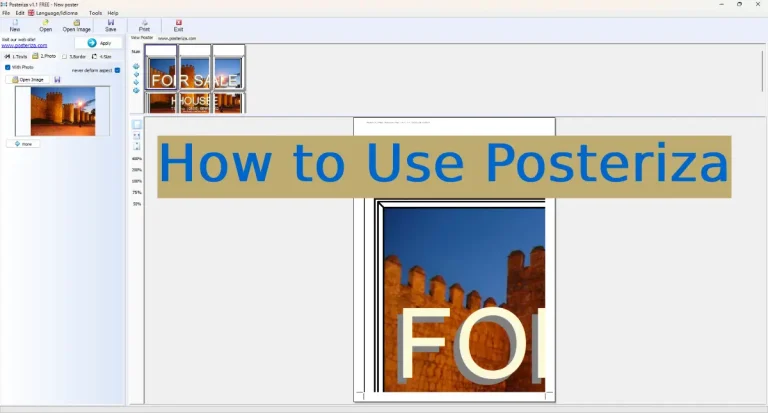
Also enable Posteriza‘s built-in smoothing filter when printing — it softens the blocky edges that appear when enlarging, though it cannot invent detail like an AI upscaler can.
File Format Tips
- PNG or high-quality JPG — never print from a screenshot-of-a-screenshot.
- Save JPGs at quality 90+; each re-save degrades the image.
- Home printers use RGB drivers, so do not worry about CMYK conversion.
Frequently Asked Questions
Will my poster look pixelated?
Only if the source image is too small for the size and viewing distance. Use the tables above: at 100+ DPI for the intended distance, prints look clean.
Is 72 DPI enough for a poster?
For banners viewed from 3+ meters away, yes. For anything on a room wall, aim for 100–150 DPI.
Can I use a phone photo for a 2-meter poster?
A modern 12 MP phone photo works at ~100 DPI (fine for wall viewing). For close-up quality, upscale it first with an AI tool like Topaz Gigapixel.
Does Posteriza improve low-resolution images?
It has a smoothing filter that reduces blockiness, but it cannot add detail. Upscale weak photos before splitting them.
PNG or JPG for poster printing?
Either is fine at high quality. PNG for graphics/text-heavy designs, high-quality JPG for photos.
Related: how many A4 sheets your poster needs · best paper for posters
Disclosure: This page contains affiliate links. If you buy through them, we may earn a commission at no extra cost to you.